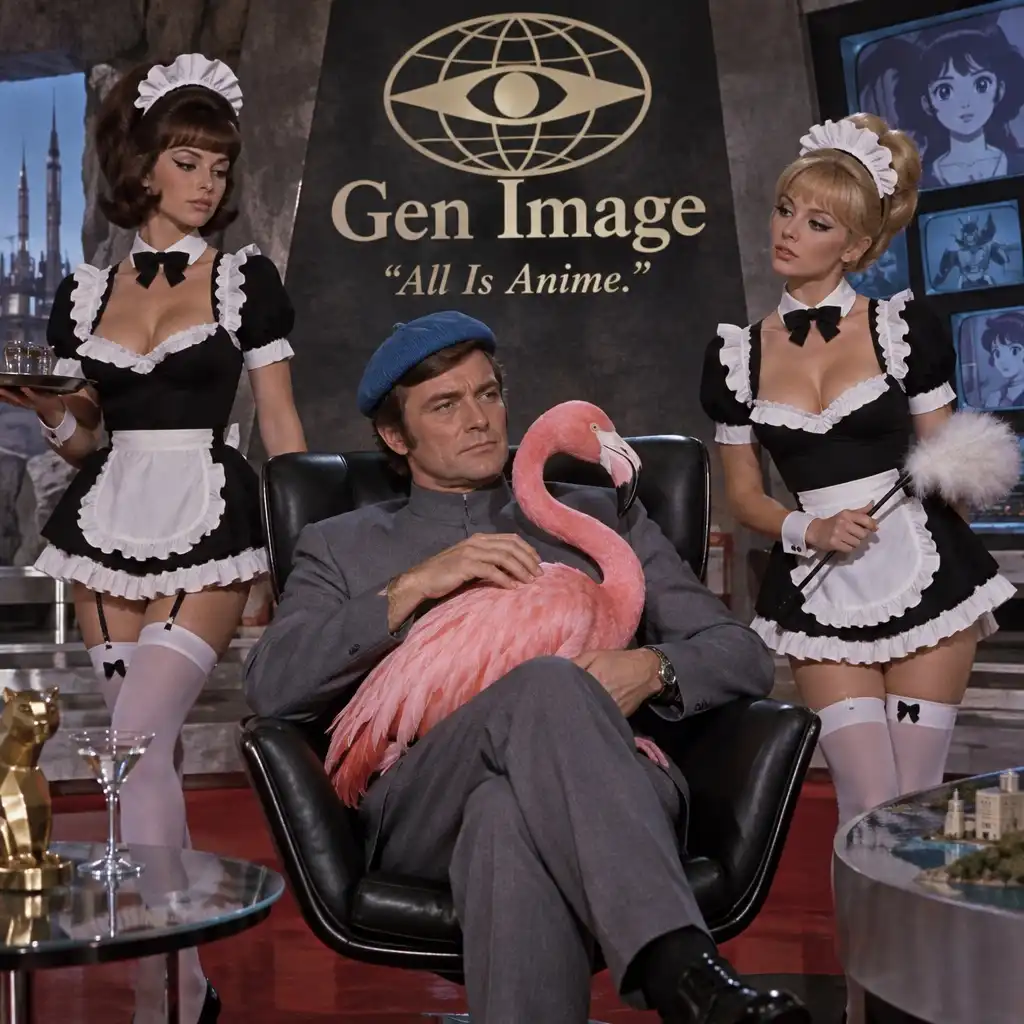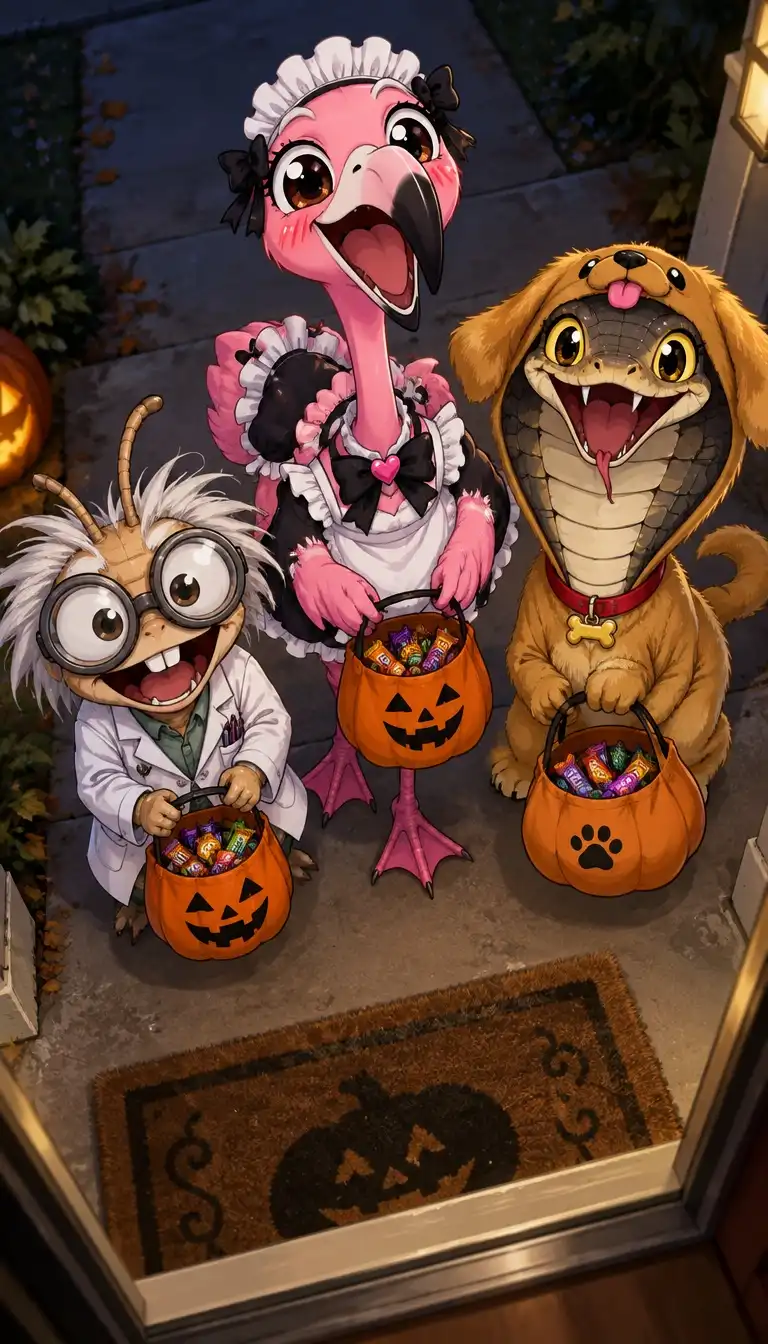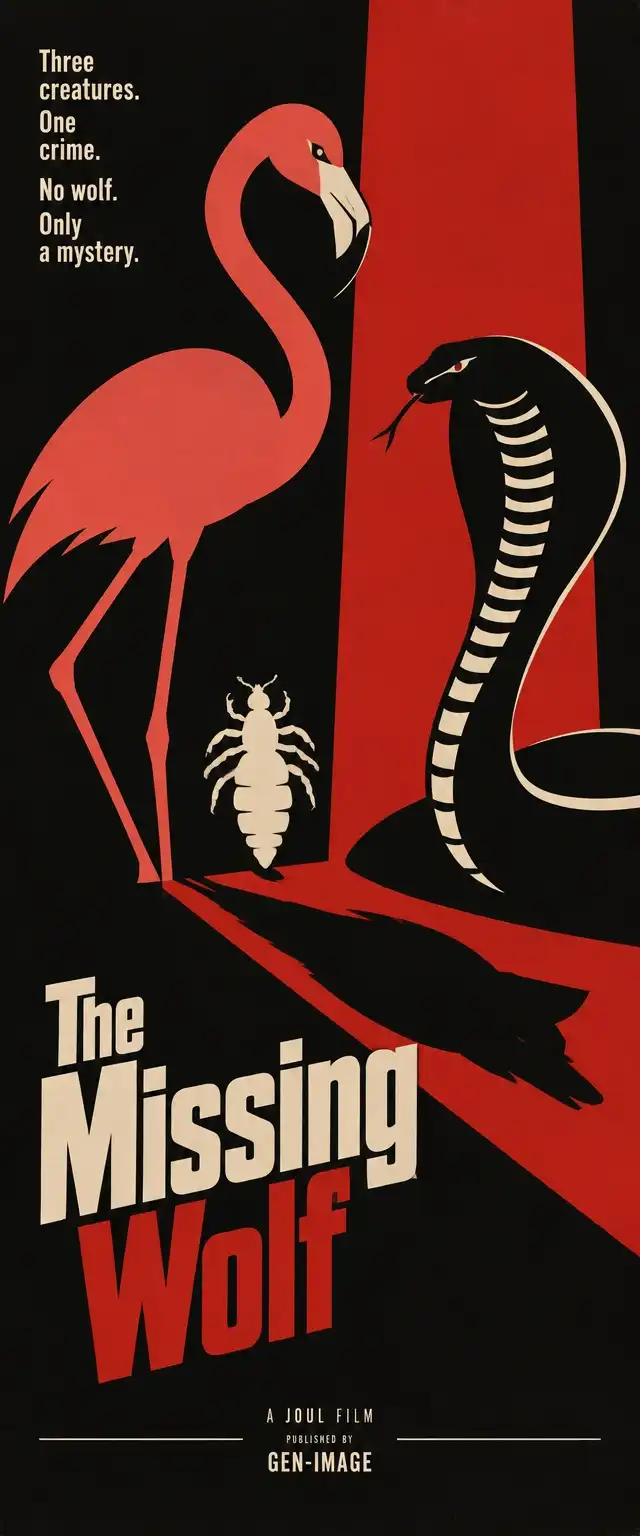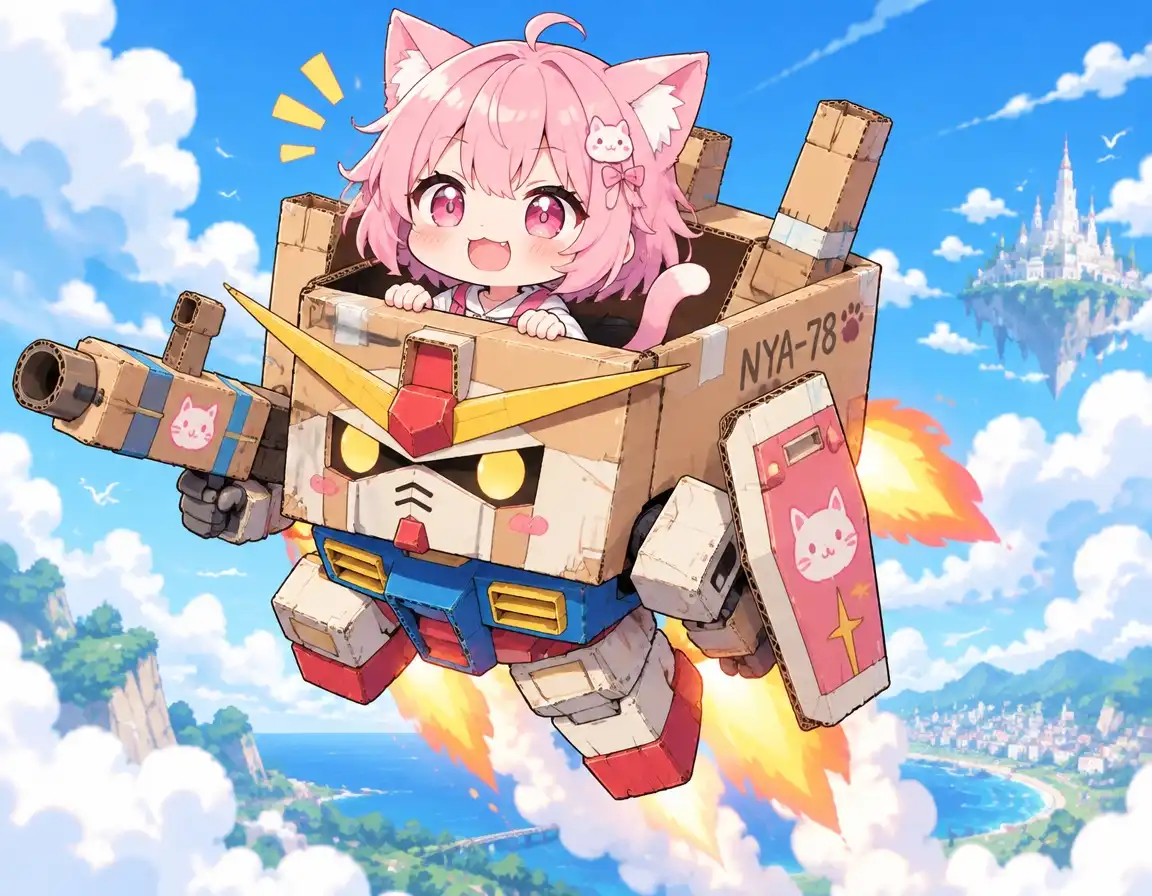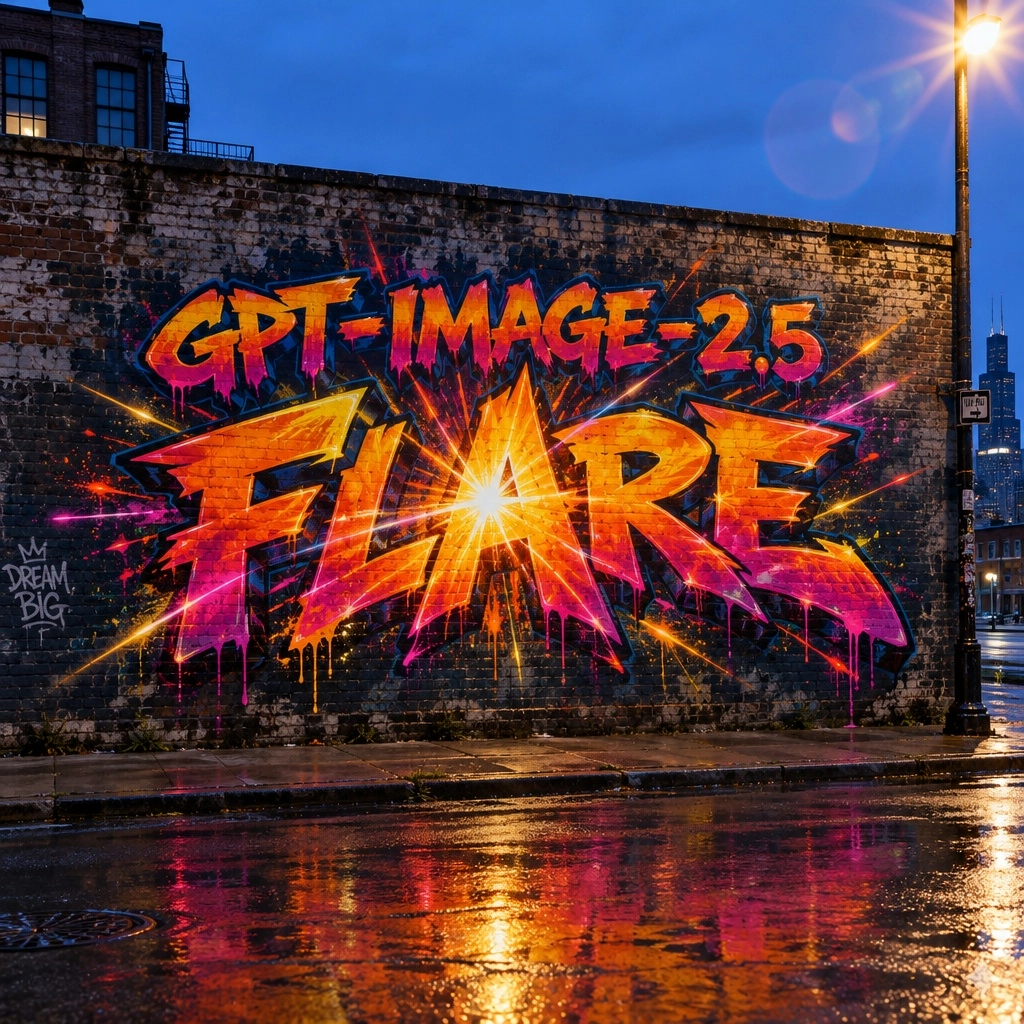
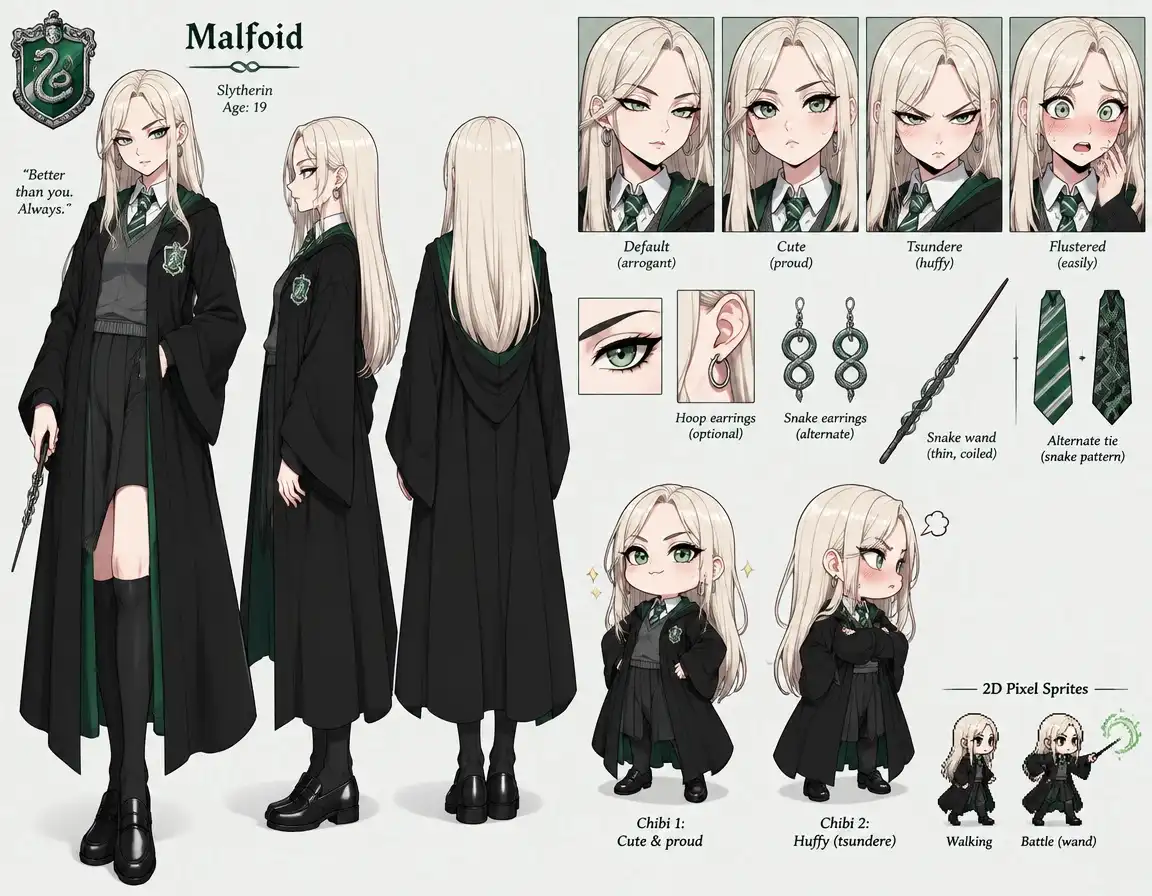
GPT Image-2.5 Flare
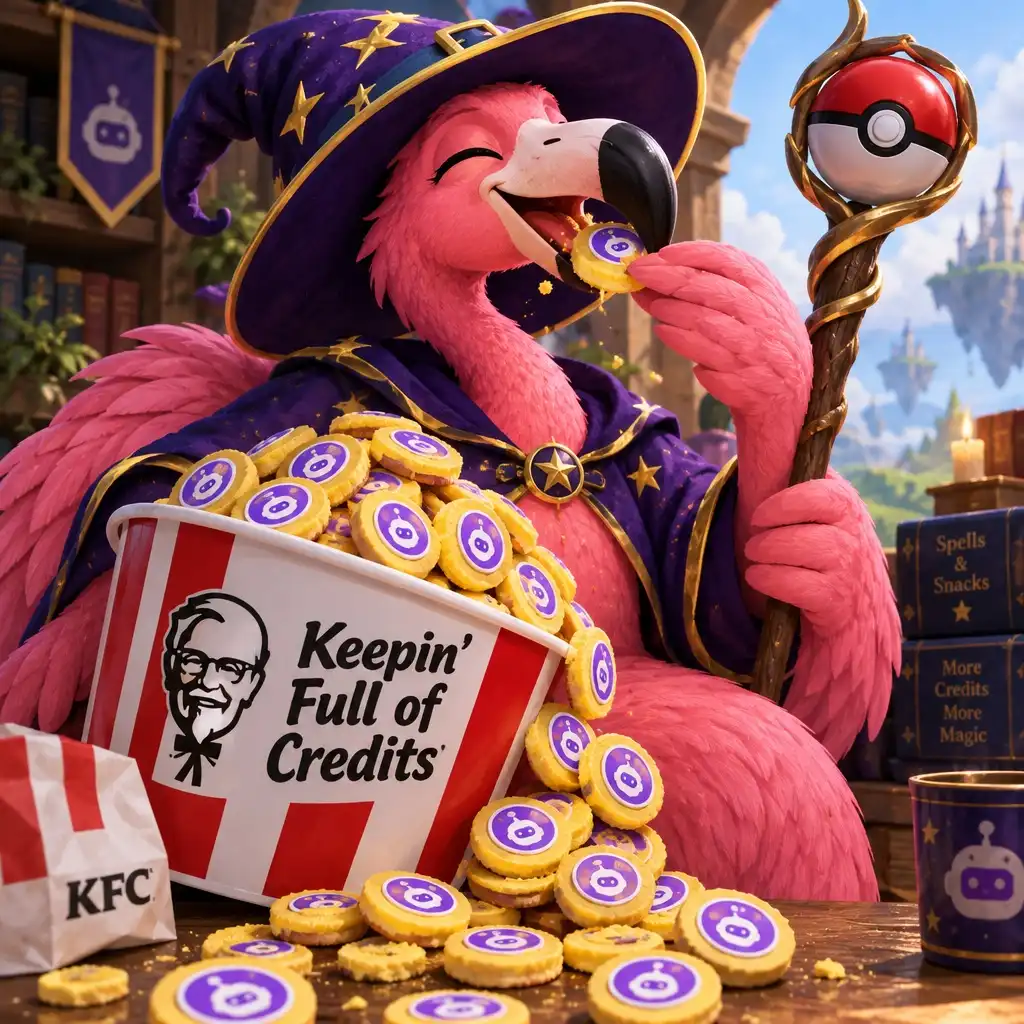
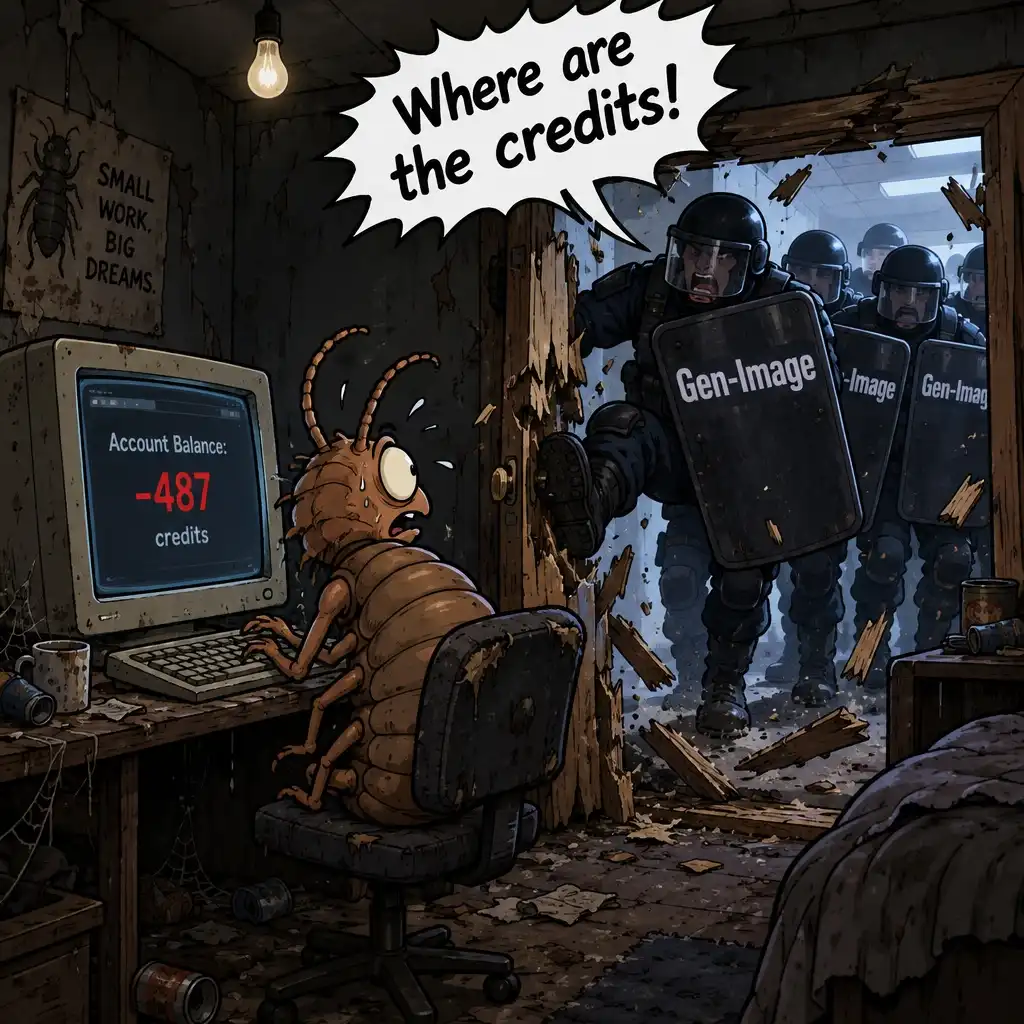
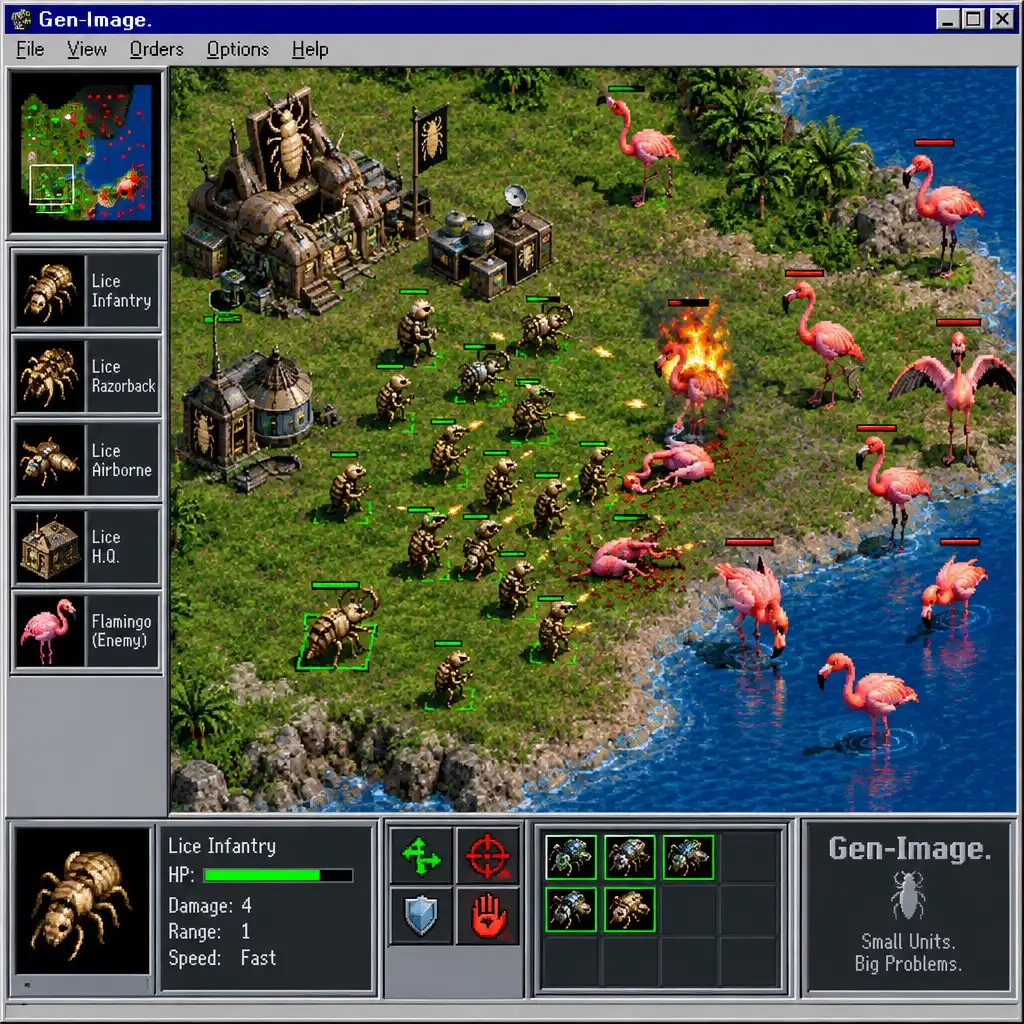
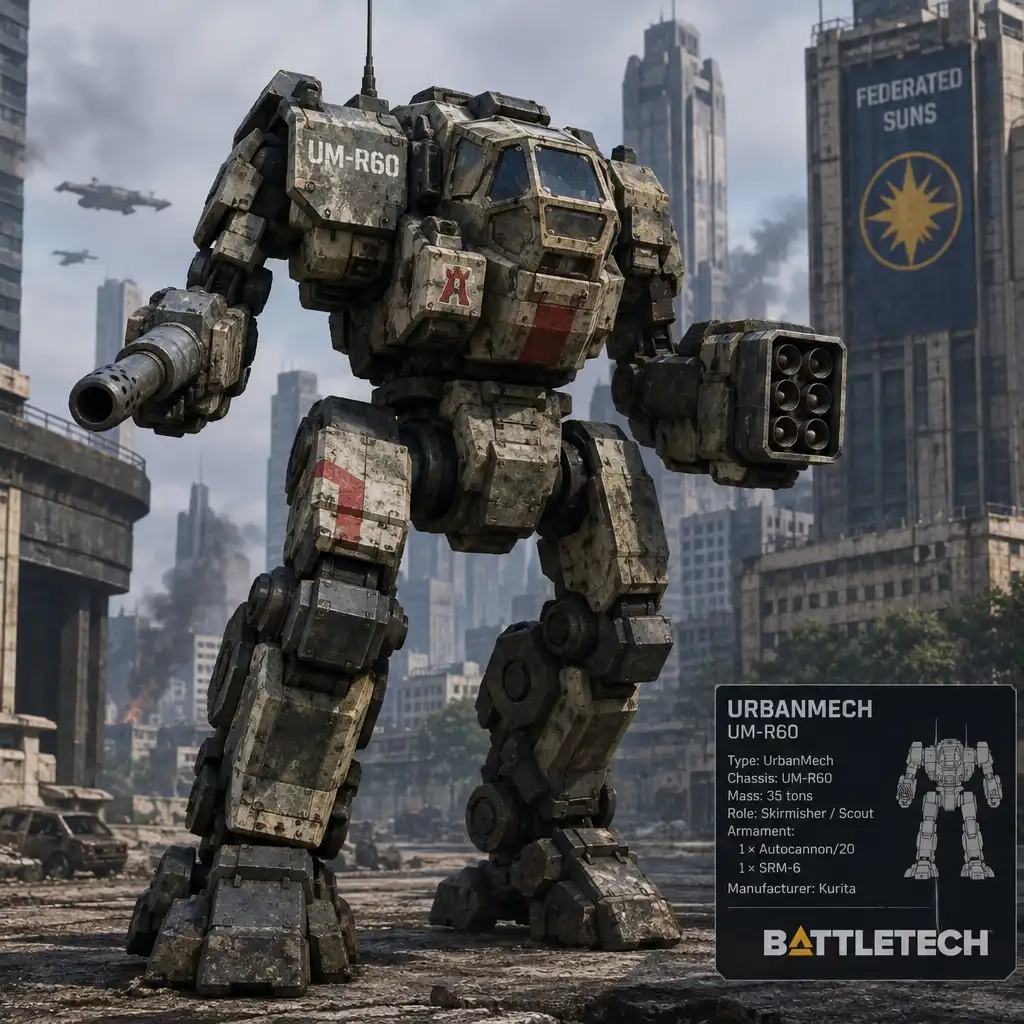
GPT Image-2.5 Flare: OpenAI's everyday image model. Higher quality than GPT Image-2 at half the latency, free aspect ratios up to 4K, image-to-image editing and transparent backgrounds.

Overview
GPT Image-2.5 Flare is OpenAI's fast, high-quality image model. It delivers sharper detail, more natural lighting and stronger style adherence than GPT Image-2, at about half the latency.
Key Features
- Text rendering: reliable typography, labels and layouts
- Free aspect ratios: any size up to 4K (3840 px on the long edge)
- Image-to-image: edit or restyle a source image while keeping its subject
- Transparent backgrounds: clean cut-outs for product shots and stickers
Tips for Best Results
- Describe the scene in natural language: subject, setting, lighting, style
- Quote any text that must appear in the image between quotation marks
- Use a source image with a short prompt describing only what should change
GPT Image-2.5 Flare Example Prompts
Real prompts shared by the Gen-Image community, with the images they produced using GPT Image-2.5 Flare. Copy a prompt, or open it in the generator to remix it with your own ideas.
No shared images for GPT Image-2.5 Flare yet.
Be the first: generate with GPT Image-2.5 Flare and share your best result.
GPT Image-2.5 Flare FAQ
What is GPT Image-2.5 Flare?
GPT Image-2.5 Flare is OpenAI's fast, high-quality image model. It delivers sharper detail, more natural lighting and stronger style adherence than GPT Image-2, at about half the latency. On Gen-Image you can use GPT Image-2.5 Flare directly in your browser to generate AI images.
Can I use GPT Image-2.5 Flare online without downloading it?
Yes. GPT Image-2.5 Flare runs online on Gen-Image: no download, no GPU and no installation. Open the generator, select GPT Image-2.5 Flare, write your prompt and the image is generated on our servers in your browser.
Is GPT Image-2.5 Flare free to use?
Registered users get free credits that refill every day, so you can generate with GPT Image-2.5 Flare daily at no cost. Each image costs 5 credits. Paid plans only add more daily credits for heavier use.
What prompts work best with GPT Image-2.5 Flare?
Describe the scene in natural language: subject, setting, lighting, style. Quote any text that must appear in the image between quotation marks. Use a source image with a short prompt describing only what should change.
Can I use GPT Image-2.5 Flare for image-to-image?
Yes. GPT Image-2.5 Flare accepts a source image: pick one of your own generations or any image from the community gallery, describe the change you want and GPT Image-2.5 Flare re-creates it in its own style.
Create something amazing with GPT Image-2.5 Flare
Generate stunning AI images in seconds.